Single-store or dealer-group operators reviewing shared technology and vendor dependencies
Cybersecurity & AI Advice for Dealerships
Car Dealerships
Blueforce partners with dealership leaders to protect customer information and improve how teams work. We combine cybersecurity advice, reliable IT, and AI consulting to evaluate available tools for sales, service, and administration, then support approved adoption around your platforms and business hours.
Advice shaped around your businessCybersecurity and secure AI adoptionConsulting through implementation

Who we partner with
The teams and operating environments this approach is designed to support.
Sales, service, parts, and finance teams that rely on the same network and identity systems
Dealerships with recurring support issues that pass between internal staff and outside vendors
Leaders who need a documented plan for access, device, and recovery improvements
How the work gets done
The people, systems, and handoffs that keep daily operations moving.
Dealership management systems, CRMs, phones, scheduling tools, and payment services cross department boundaries
Shared workstations and staff turnover can leave accounts or permissions out of date
A network or vendor outage can interrupt appointments, deal processing, parts lookup, and customer communication
Manufacturers, software providers, payment vendors, and local IT may each own part of the support path
Technology changes must fit business hours, month-end work, and customer appointments
Systems your team depends on
The technology and handoffs that shape security, reliability, and support priorities.
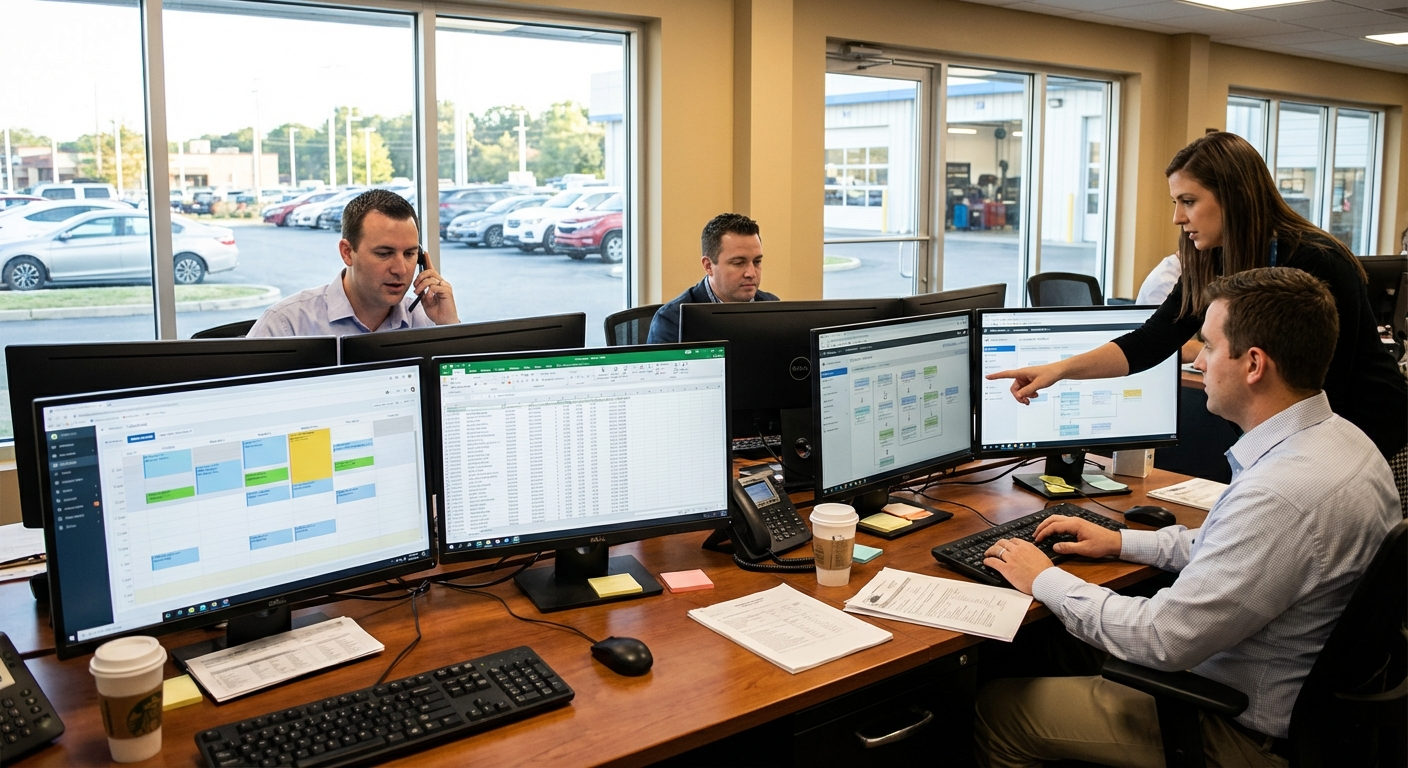
Your business priorities guide the advice
We connect your critical systems, security risks, and workflows to a practical plan, including where available AI tools could help and how to adopt them responsibly.
Where operations break down
Recurring technology problems that create delays, extra work, or avoidable exposure.
Staff lose time identifying whether an issue belongs to the network, a device, or a vendor platform
Former employees, shared accounts, and broad permissions create avoidable access risk
Device settings and patch levels differ across departments or locations
Vendor escalation details are scattered or depend on one employee's knowledge
Backup and outage procedures have not been tested against real dealership workflows
Risks to plan around
Where downtime, access gaps, and outside dependencies can disrupt this type of organization.
An unavailable CRM, DMS, scheduler, or connection can delay customer-facing work
Overbroad access can expose customer or finance-related information to people who do not need it
Unmanaged endpoints and unsupported software make routine problems harder to diagnose and contain
A vendor's recovery timeline may not match the dealership's operational needs, so local fallback steps still matter
Compliance considerations
The rules and frameworks that may affect security controls, documentation, and operating decisions.
FTC Safeguards Rule
Covered dealerships are responsible for determining and meeting the Safeguards Rule requirements that apply to customer information and service-provider relationships.
Security and technology considerations: We can assess selected technical practices, document findings, and help implement approved safeguards; dealership leadership and counsel retain compliance decisions.
PCI DSS
Businesses that accept payment cards need to understand which systems, providers, and processes fall within their cardholder-data environment.
Security and technology considerations: We can review payment-adjacent network and endpoint configurations and document changes, but we do not represent that this work establishes PCI compliance.
CISA Cybersecurity Guidance
CISA publishes practical guidance for account security, software updates, backups, and incident preparation.
Security and technology considerations: We use relevant guidance as a reference when reviewing the dealership's scoped systems and planning improvements.
Consulting, implementation, and ongoing support
A partner to assess cybersecurity priorities, evaluate AI offerings, and support implementation alongside the IT your team depends on.
Cybersecurity and managed IT
Dealership Cybersecurity & Systems Support
Map critical systems, review devices and access, and make dealership support responsibilities easier to follow.
- • Inventory of in-scope dealership systems, locations, owners, and vendors
- • Access and endpoint review with prioritized, dealership-specific findings
- • Approved configuration changes with test results and rollback notes
- • Outage and account-response instructions for staff and vendor escalation
AI consulting and implementation
AI Consulting for Dealership Workflows
Assess available AI offerings for service coordination, sales follow-up, internal knowledge, and administration. We compare workflow fit, cost, DMS and CRM integration, vendor terms, and customer-data exposure before recommending an adoption plan.
- • AI opportunity assessment across selected sales, service, parts, or administrative workflows
- • Comparison of AI offerings for DMS and CRM fit, cost, access, and vendor data handling
- • Adoption plan with approved data, staff training, customer-communication review, and named owners
- • Implementation support for an agreed pilot with performance checks, exception handling, and a way to disable it
An example phased sequence
This is an illustrative order of work, not a delivery guarantee. We agree on timing after assessing the environment, scope, and operating constraints.
Days 1-30
Identify the systems, vendors, users, and business constraints included in the work.
- • Confirm which locations, departments, and systems are in scope
- • Document DMS, CRM, scheduling, phone, network, device, and vendor dependencies
- • Review recent outages, recurring tickets, and access concerns
- • Discuss dealership AI opportunities, existing platform features, customer-data limits, and department priorities
Days 31-60
Make selected configuration and process changes without surprising dealership staff.
- • Plan each change around business hours, appointments, and month-end constraints
- • Update selected accounts, device policies, network settings, and support records
- • Confirm vendor responsibilities and escalation contacts
- • Compare AI offerings against DMS and CRM constraints, vendor terms, security needs, and department workflows
Days 61-90
Verify the work and give staff instructions they can use during the next issue.
- • Test approved changes with the affected department owners
- • Walk staff through outage, vendor, and account-reporting steps
- • Test selected backup or fallback procedures where the dealership permits
- • Review an agreed AI pilot with department owners and decide whether to continue, adjust, or disable it
How the work stays on track
Clear ownership and an agreed order of work keep each phase accountable and manageable.
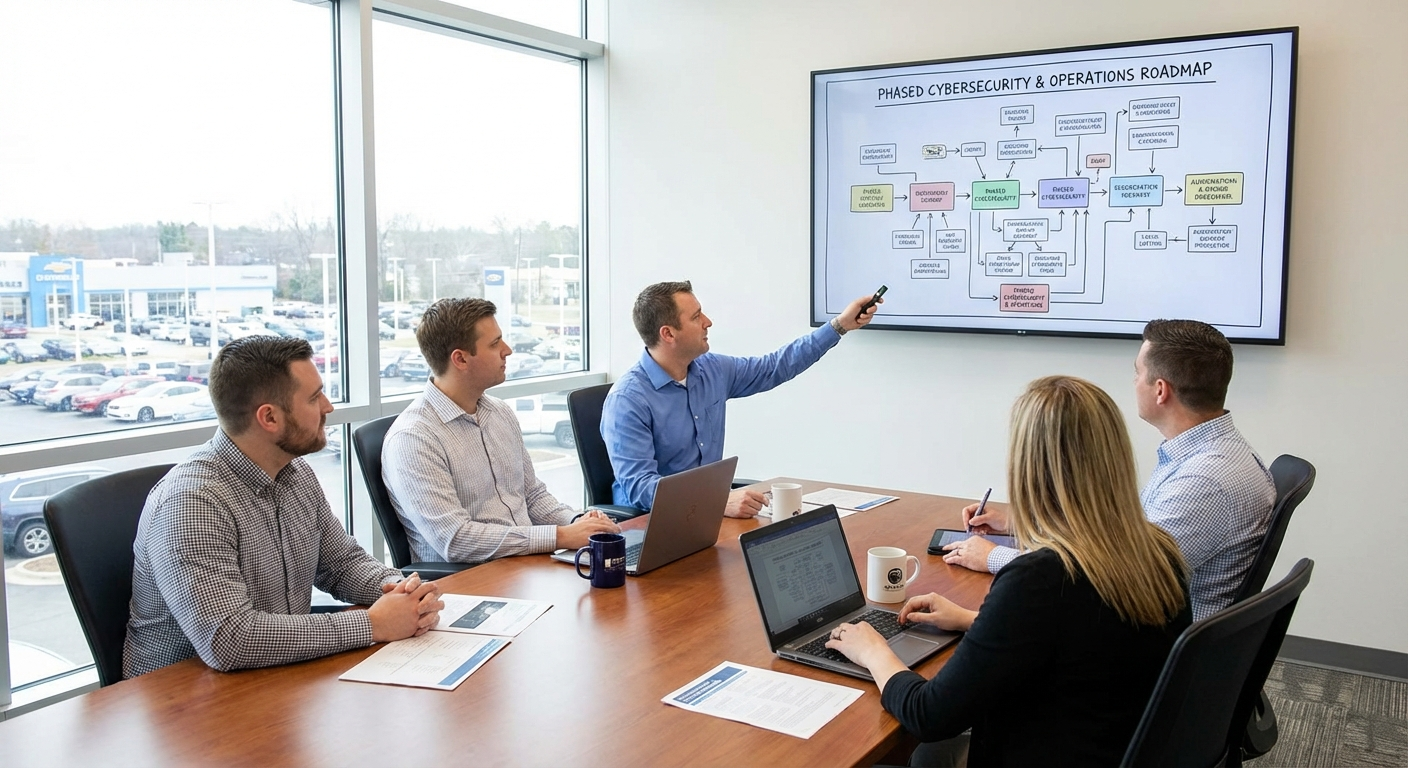
Work planned around your operations
We help you compare options, agree on priorities, and put the plan into practice. Each phase has an owner, review points, and timing that fits your operations.
Controls to address first
Security and operational practices to evaluate early in the engagement.
List critical systems by store, department, owner, and vendor
Review privileged, shared, inactive, and vendor accounts
Compare device and patch settings across departments and locations
Document support contacts and escalation details for major platforms
Identify which systems touch customer, finance, or payment information
Confirm backup ownership and the last documented restoration test
Write fallback steps for one high-impact sales or service outage
Track unresolved findings, accepted exceptions, and follow-up owners
Plans for common disruptions
How to prepare for and respond to incidents that can interrupt this kind of operation.
CRM or Network Disruption on the Sales Floor
Trigger: Sales staff cannot reliably access the CRM, internet connection, phones, or another customer-facing system.
First response: Record the affected users and systems, route the issue to the documented owner, and give staff the approved temporary work instructions.
Stabilization: Confirm access with sales leadership, reconcile work completed during the outage, and document the cause, fix, and any follow-up action.
Service Scheduling or Check-In Failure
Trigger: Service staff cannot schedule, check in, or update active appointments in the normal system.
First response: Use the dealership's documented fallback, notify the assigned vendor or technical contact, and keep a controlled record of work that must be entered later.
Stabilization: Verify restored records with the service team, clear the temporary work log, and update the fallback instructions if gaps were found.
Unexpected Account Activity
Trigger: A dealership employee or vendor reports sign-ins or changes that do not match the assigned user's activity.
First response: Follow the approved account-response procedure, preserve available records, and involve the designated dealership and technical contacts.
Stabilization: Review affected accounts and systems, document the response, and apply approved access or configuration changes before normal access resumes.
Frequently asked questions
Answers about cybersecurity, AI consulting, and technology support for car dealerships.
Can you work across sales, service, parts, and finance?
Yes. We can scope a review across departments and locations, then document where systems, accounts, and vendor responsibilities overlap.
Will you replace our DMS, CRM, or other dealership software?
Not unless replacement is part of an approved project. We begin by documenting the current environment and improving the selected configurations and support procedures around it.
Does your work make us compliant with the FTC Safeguards Rule or PCI DSS?
No service provider can make that decision for your business. We can assess scoped technical practices, implement approved changes, and provide documentation for dealership leadership, counsel, or qualified assessors to review.
Can you help us choose AI tools for sales or service?
Yes. We assess your workflows and compare available AI offerings, including capabilities already in your DMS or CRM. We review cost, integration, customer-data handling, and staff oversight, then support an approved pilot with review and shutdown procedures.
Plan your dealership’s cybersecurity and AI priorities
Tell us which stores and systems need protection, and where sales, service, or administration could work more efficiently. We’ll define practical advice, AI evaluation, and implementation around your dealership’s priorities.