Outpatient clinics and specialty practices with shared workstations or multiple locations
Cybersecurity & AI Advice for Patient Care
Healthcare
Protecting patient information and keeping care moving belong in the same plan. Blueforce partners with practice leaders on cybersecurity, dependable IT, and AI consulting: evaluate available tools, select appropriate administrative uses, and support adoption with clear data limits and staff review.
Advice shaped around your businessCybersecurity and secure AI adoptionConsulting through implementation

Who we partner with
The teams and operating environments this approach is designed to support.
Practices whose front desk and clinical staff need reliable access to EHR and scheduling systems
Healthcare operators coordinating several software, device, and connectivity vendors
Practice leaders who need named owners for outages, access reviews, and security follow-up
How the work gets done
The people, systems, and handoffs that keep daily operations moving.
A slow EHR or scheduling system can back up check-in, charting, orders, and billing at once
Exam-room workstations, tablets, laptops, and shared front-desk devices may not receive the same settings or updates
Interfaces among EHR, labs, imaging, billing, and scheduling vendors complicate fault isolation
Staff changes and shared workflows can leave old access in place longer than intended
Maintenance and troubleshooting must be scheduled around appointments and clinical coverage
Systems your team depends on
The technology and handoffs that shape security, reliability, and support priorities.
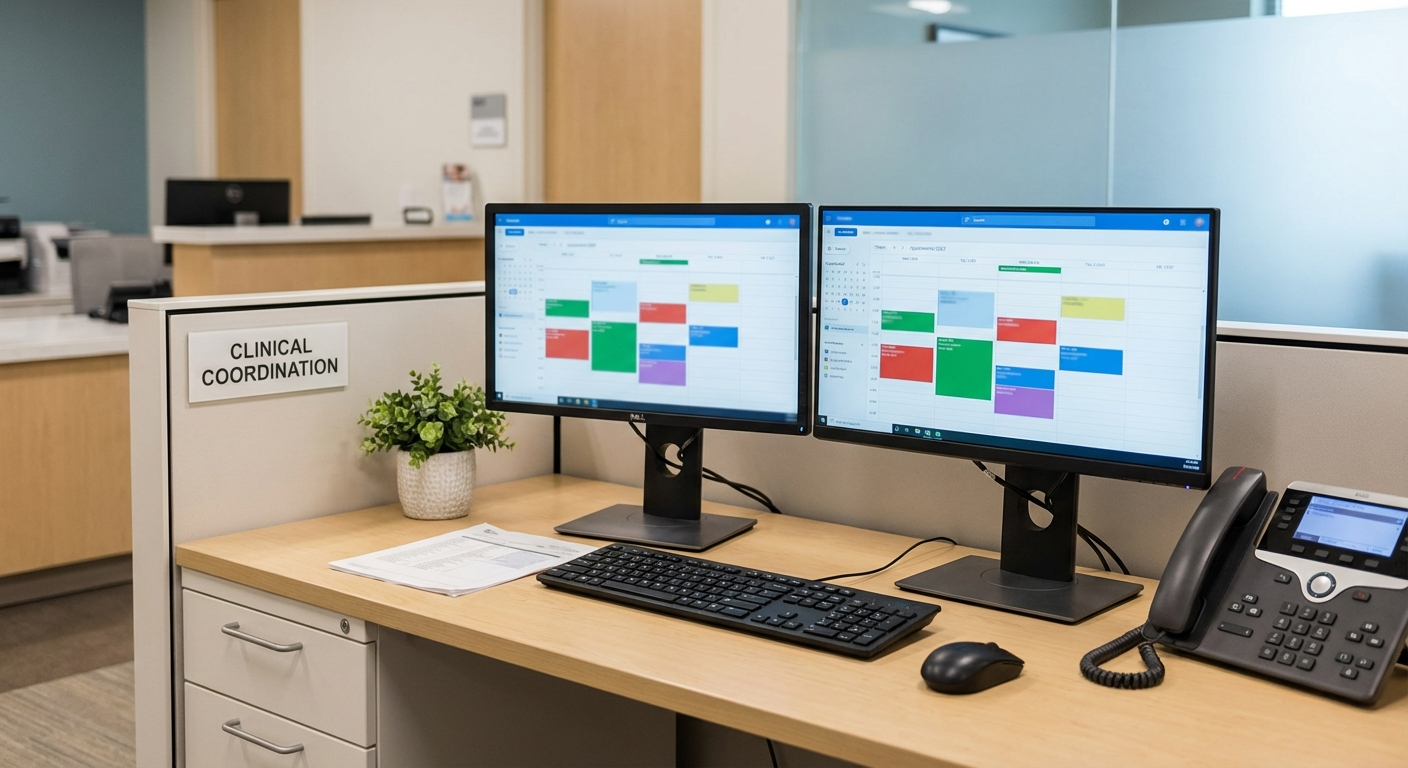
Your business priorities guide the advice
We connect your critical systems, security risks, and workflows to a practical plan, including where available AI tools could help and how to adopt them responsibly.
Where operations break down
Recurring technology problems that create delays, extra work, or avoidable exposure.
EHR, scheduling, or charting problems with no agreed downtime procedure
Different patch and security settings across clinical and administrative devices
Urgent issues passed among the practice, software vendor, and IT provider without a clear owner
Access reviews postponed because patient-care work takes priority
Backups that exist but have not been restored in a documented test
Risks to plan around
Where downtime, access gaps, and outside dependencies can disrupt this type of organization.
Shared credentials and outdated permissions make it harder to limit and trace access to patient information
An outage can force staff onto manual scheduling or documentation procedures until service returns
An incomplete device inventory makes it difficult to confirm which systems received an update or fix
A recovery document is less useful when staff have not practiced their assigned steps
Compliance considerations
The rules and frameworks that may affect security controls, documentation, and operating decisions.
HIPAA Security Rule
The rule sets administrative, physical, and technical safeguard requirements for covered entities and business associates; the duties that apply depend on the organization and its role.
Security and technology considerations: Blueforce can document systems and data flows, compare current technical practices with an agreed control set, and record remediation owners. Your compliance or legal advisors determine applicable requirements.
HHS OCR Security Rule Guidance
HHS Office for Civil Rights guidance discusses risk analysis, risk management, access controls, and incident response as considerations for safeguarding electronic protected health information.
Security and technology considerations: Blueforce can help assess technical controls, retain change and test records, and rehearse incident procedures. This work supports your program but does not certify HIPAA compliance.
CISA Healthcare Sector Guidance
CISA publishes voluntary cybersecurity guidance that healthcare organizations may use when prioritizing safeguards and incident preparation.
Security and technology considerations: Blueforce can use selected guidance to help prioritize identity, endpoint, network, backup, and response work appropriate to the practice.
Consulting, implementation, and ongoing support
A partner to assess cybersecurity priorities, evaluate AI offerings, and support implementation alongside the IT your team depends on.
Cybersecurity and managed IT
Patient-Data Protection & Clinical Systems
Start with the devices, accounts, vendors, and recovery steps that staff rely on during a normal clinic day.
- • System and vendor map for EHR, scheduling, billing, connectivity, and shared devices
- • Documented device baseline and patch follow-up process
- • Access review and multifactor authentication configuration for selected patient-data systems
- • Outage and security-incident runbooks with named contacts and recovery order
AI consulting and implementation
AI Consulting for Practice Administration
Explore available AI offerings for scheduling coordination, internal knowledge, and administrative work. We compare fit, cost, integration, and patient-data handling before recommending a tool or pilot; clinical decisions remain with qualified professionals.
- • AI opportunity assessment focused on administrative workload and practice priorities
- • Comparison of available AI tools, vendor data terms, access controls, and EHR integration constraints
- • Adoption plan with approved data, staff training, human review, and clinical-use exclusions
- • Implementation support for an agreed pilot, with success checks, exception handling, and a way to disable it
An example phased sequence
This is an illustrative order of work, not a delivery guarantee. We agree on timing after assessing the environment, scope, and operating constraints.
Days 1-30
Identify what can interrupt a clinic day and who responds.
- • Trace dependencies for check-in, EHR access, scheduling, billing, and connectivity
- • Agree on incident priorities, contacts, and vendor handoffs
- • Address approved urgent gaps in device settings and account access
- • Discuss administrative AI opportunities, current tools, and patient-data boundaries with practice leadership
Days 31-60
Apply repeatable settings and practice response steps.
- • Document patch timing, exceptions, and follow-up for clinic devices
- • Adjust approved user roles in systems that handle patient information
- • Run a tabletop exercise for an EHR outage and a compromised staff account
- • Compare AI offerings against practice needs, vendor terms, access requirements, and staff review capacity
Days 61-90
Review recurring faults and maintain the procedures.
- • Adjust alerts and ticket routing based on the first two months of support data
- • Test vendor contacts and fallback steps during a simulated disruption
- • Pilot an approved administrative AI workflow, review results with staff, and decide whether to continue or disable it
- • Set the next work list from recurring incidents, overdue fixes, and practice priorities
How the work stays on track
Clear ownership and an agreed order of work keep each phase accountable and manageable.

Work planned around your operations
We help you compare options, agree on priorities, and put the plan into practice. Each phase has an owner, review points, and timing that fits your operations.
Controls to address first
Security and operational practices to evaluate early in the engagement.
List the systems and vendors required for check-in, charting, scheduling, and billing
Review multifactor authentication and user roles for access to patient information
Restore a selected backup in a controlled test and record who owns each recovery step
Define incident priorities around clinic hours and patient-care disruption
Assign an owner and due date to each accepted remediation item
Compare device settings across exam rooms, front desks, offices, and locations
Confirm vendor escalation contacts and what information each vendor requires
Schedule periodic reviews of incidents, access changes, backups, and open risks
Plans for common disruptions
How to prepare for and respond to incidents that can interrupt this kind of operation.
EHR Performance Degradation During Clinic Hours
Trigger: Users report lag, timeouts, and delayed chart access across multiple stations.
First response: Assign the incident owner, determine whether the EHR, network, device, or vendor connection is affected, and give staff the approved downtime guidance.
Stabilization: Restore the affected workflow, reconcile work completed during downtime, document the cause if known, and update the contact or recovery steps.
Unusual Sign-In Activity in Staff Accounts
Trigger: Sign-in patterns suggest a staff account may be used by someone other than its owner.
First response: Disable or restrict the account as authorized, revoke active sessions, preserve relevant records, and ask the account owner to confirm expected activity.
Stabilization: Reset access, review affected systems and permissions, document findings, and apply approved changes intended to reduce the risk of similar activity.
Vendor Outage Affecting Scheduling Operations
Trigger: Third-party scheduling integration outage disrupts patient coordination.
First response: Use the approved manual scheduling procedure, name one internal coordinator, and open the vendor escalation with the required account and outage details.
Stabilization: Enter or verify deferred appointments, check for duplicate or missing records, and revise the fallback instructions where staff encountered problems.
Frequently asked questions
Answers about cybersecurity, AI consulting, and technology support for healthcare.
Can you work alongside our existing EHR and support vendors?
Yes. We document who owns the application, device, network, and vendor steps for common incidents, then use those assignments when an issue is escalated.
How do you handle compliance-sensitive environments?
We can assess and configure selected technical controls, document procedures, and retain test records. We do not provide legal advice or certify compliance; your organization decides its obligations with qualified advisors.
Do we need a full platform replacement to improve reliability?
Not by default. We first document the fault, dependencies, vendor options, and risks in the current environment. A replacement becomes a separate recommendation only when the evidence supports it.
Can you help us choose AI tools for the practice?
Yes. We help evaluate available AI offerings for administrative use, compare workflow fit and vendor data terms, and plan a reviewed pilot. Any use involving patient information requires the practice’s approval of applicable privacy, security, contractual, and access requirements; we do not provide clinical advice.
Plan your clinic’s cybersecurity and AI priorities
Tell us where technology interrupts patient flow and where staff spend time on repetitive work. We’ll help define cybersecurity priorities, evaluate suitable AI offerings, and scope consulting or implementation around your practice.