Small and mid-sized law firms responsible for confidential client and matter information
Cybersecurity & AI Advice for Law Firms
Legal
Your firm needs a partner who understands confidential information and deadline-driven work. Blueforce combines cybersecurity consulting, AI tool evaluation, and hands-on IT support to help you protect matters, make informed technology decisions, and adopt AI with firm-approved boundaries and attorney oversight.
Advice shaped around your businessCybersecurity and secure AI adoptionConsulting through implementation

Who we partner with
The teams and operating environments this approach is designed to support.
Firms supporting attorneys and staff across offices, homes, courts, and client locations
Practice groups that depend on document management, email, calendaring, and filing tools
Firm leaders who need one escalation path across internal staff, software vendors, and IT providers
How the work gets done
The people, systems, and handoffs that keep daily operations moving.
A document, email, or identity outage can interrupt several active matters at once
Access often accumulates as attorneys, staff, and outside collaborators change roles
Filing dates, hearings, closings, and client commitments leave little room for unclear escalation
Client information moves among email, document repositories, e-discovery platforms, and vendor portals
Application, network, and support vendors may each own only part of an incident
Systems your team depends on
The technology and handoffs that shape security, reliability, and support priorities.
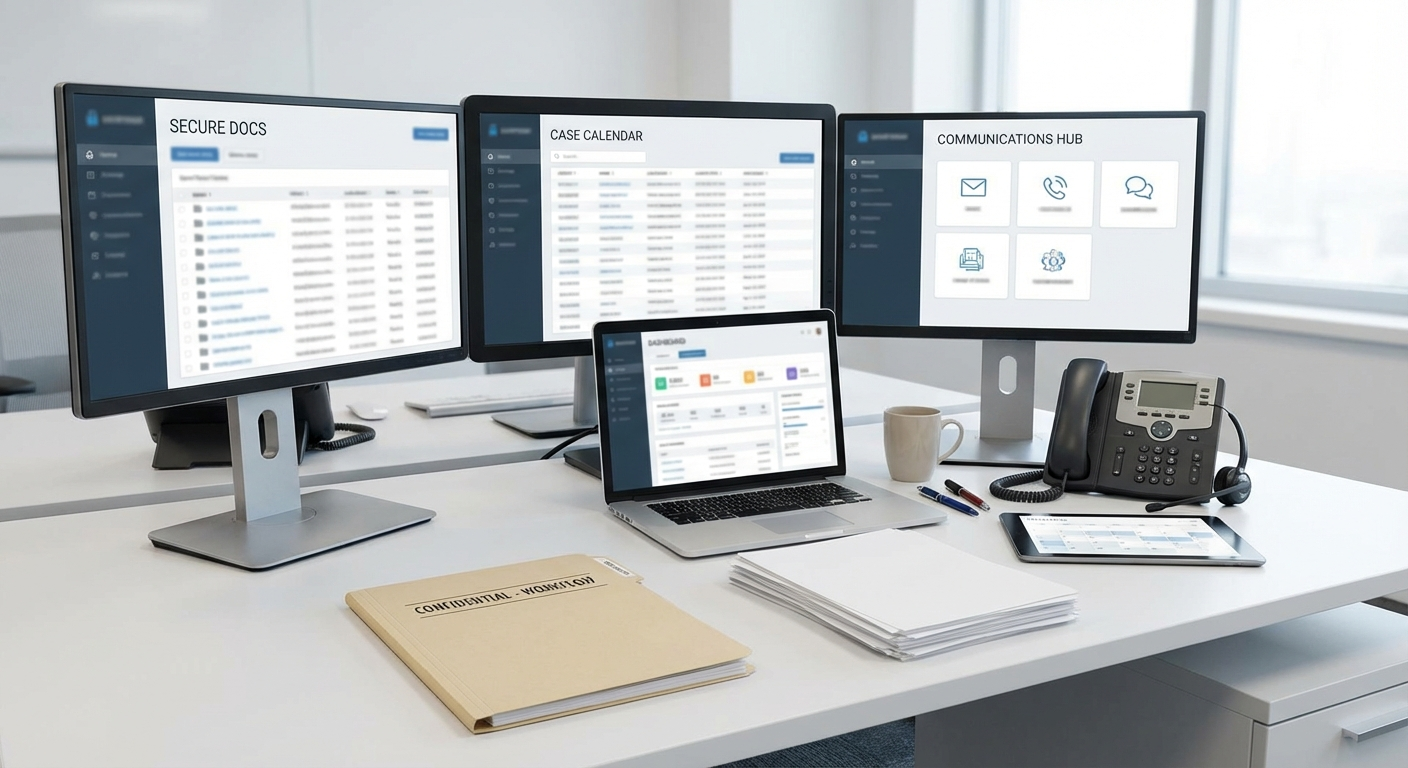
Your business priorities guide the advice
We connect your critical systems, security risks, and workflows to a practical plan, including where available AI tools could help and how to adopt them responsibly.
Where operations break down
Recurring technology problems that create delays, extra work, or avoidable exposure.
Matter access that no longer matches a person’s role or case assignment
Support tickets that do not reflect an approaching filing or hearing deadline
Different security settings on firm-managed and personally used devices
Incidents passed between vendors without one person coordinating the response
Backups, emergency contacts, and recovery steps that have not been tested together
Risks to plan around
Where downtime, access gaps, and outside dependencies can disrupt this type of organization.
Excess access and weak sign-in controls make unauthorized use of client files harder to prevent and trace
A compromised mailbox can expose correspondence, redirect payments, or be used to impersonate firm personnel
Unavailable document or calendaring systems can interfere with deadline-driven work
Missing incident records make it difficult for firm leadership and counsel to reconstruct what happened
Compliance considerations
The rules and frameworks that may affect security controls, documentation, and operating decisions.
ABA Model Rule 1.6 (Confidentiality)
The rule addresses a lawyer’s duty not to reveal information relating to representation and to make reasonable efforts against unauthorized access or disclosure, subject to applicable exceptions.
Security and technology considerations: Blueforce can assess and configure selected identity, device, and access controls. The firm and its counsel determine professional-responsibility obligations and whether the measures are reasonable for a matter.
ABA Formal Opinion 483
The opinion discusses lawyers’ ethical duties when a cyber incident involves or may involve client information.
Security and technology considerations: Blueforce can document technical response roles, preserve agreed records, and run a tabletop exercise. The firm retains responsibility for legal analysis, client notice, and regulatory decisions.
NIST Cybersecurity Framework and CISA Guidance
These voluntary resources can help organizations organize cybersecurity risk and prioritize safeguards and response preparation.
Security and technology considerations: Blueforce can use an agreed framework to organize findings, owners, tests, and follow-up without representing that the firm is certified or compliant.
Consulting, implementation, and ongoing support
A partner to assess cybersecurity priorities, evaluate AI offerings, and support implementation alongside the IT your team depends on.
Cybersecurity and managed IT
Client-Data Protection & Matter Systems
Start with the accounts, devices, applications, vendors, and recovery steps behind deadline-driven legal work.
- • Matter-system access review and approved identity-control changes
- • Documented security baseline for attorney and staff devices
- • Ticket priorities that account for filing, hearing, closing, and client deadlines
- • Incident runbooks naming the firm, vendor, and IT contacts for each step
AI consulting and implementation
AI Consulting for Legal Workflows
Assess available AI offerings for internal knowledge, document workflows, and administration. We compare confidentiality, retention, access, integration, and cost; the firm defines permitted uses and retains responsibility for legal judgment and verification.
- • AI opportunity assessment across approved administrative and knowledge workflows
- • Comparison of AI offerings for confidentiality, vendor data terms, access, and legal-platform fit
- • Adoption plan with approved sources, attorney review, staff training, and prohibited uses
- • Implementation support for an agreed pilot, including verification, exception handling, and a way to disable it
An example phased sequence
This is an illustrative order of work, not a delivery guarantee. We agree on timing after assessing the environment, scope, and operating constraints.
Days 1-30
Map deadline-critical systems and assign response owners.
- • Trace how client information moves through email, documents, matter systems, and vendor portals
- • Set incident priorities around filing, hearing, closing, and communication deadlines
- • Address approved urgent gaps in account access and device configuration
- • Discuss AI opportunities, existing tools, confidentiality boundaries, and review duties with firm leadership
Days 31-60
Apply repeatable controls and test incident coordination.
- • Record remediation decisions, exceptions, owners, and due dates
- • Make approved access changes in selected legal applications and repositories
- • Run a tabletop exercise for a compromised mailbox or exposed client file
- • Evaluate AI offerings against firm-approved data terms, matter-access restrictions, and verification requirements
Days 61-90
Maintain access, response, and vendor procedures.
- • Adjust ticket routing using actual deadline and incident records
- • Schedule recurring reviews for access, devices, backups, and open fixes
- • Pilot an approved AI workflow, review its output and effort with the firm, and decide whether to continue or disable it
- • Set the next work list from recurring problems and firm priorities
How the work stays on track
Clear ownership and an agreed order of work keep each phase accountable and manageable.

Work planned around your operations
We help you compare options, agree on priorities, and put the plan into practice. Each phase has an owner, review points, and timing that fits your operations.
Controls to address first
Security and operational practices to evaluate early in the engagement.
Review access to client and matter repositories against current assignments
Compare device settings for office, remote, and traveling personnel
Name the technical incident coordinator and the firm’s legal decision-maker
Test an emergency contact path outside the affected email system
Assign an owner and due date to each accepted high-priority fix
Review mailbox sign-in, multifactor authentication, forwarding, and payment-change procedures
Record each vendor’s responsibility and escalation contact for critical systems
Schedule periodic reviews of access changes, incidents, backups, and response procedures
Plans for common disruptions
How to prepare for and respond to incidents that can interrupt this kind of operation.
Unusual Activity in a Matter-System Account
Trigger: Unusual account activity suggests someone other than the owner may be accessing client materials.
First response: Restrict the account as authorized, preserve relevant records, identify connected systems, and notify the firm’s designated technical and legal contacts.
Stabilization: Restore approved access, document what was reviewed and changed, and let the firm’s counsel direct any notification or legal response.
Document System Outage Before Filing Deadline
Trigger: Core document workflow platform becomes unavailable during a deadline-critical period.
First response: Use the approved document fallback, name the recovery owner, contact the application vendor, and give the matter team a specific status channel.
Stabilization: Restore document access, reconcile work created during the outage, and revise the recovery steps where the team encountered delays.
Third-Party Legal Tool Security Alert
Trigger: A key vendor reports a security event affecting service reliability or data assurance.
First response: Identify affected matters and integrations, apply authorized temporary restrictions, and open the vendor escalation with one firm coordinator.
Stabilization: Review the vendor’s remediation information, verify the firm’s selected controls, document remaining questions, and update the fallback procedure.
Frequently asked questions
Answers about cybersecurity, AI consulting, and technology support for legal.
Can you support firms with existing MSP or legal-software vendors?
Yes. We document which team owns the device, network, application, account, and legal-decision steps, then use those assignments during support and incident work.
How do you balance security with legal workflow speed?
We schedule approved changes around matter deadlines, pilot higher-impact settings with a defined group, and keep a rollback or alternate-work procedure where practical.
Do we need to replace our stack to improve security?
Not by default. We first assess the current application, access, device, and vendor constraints. Replacement is a separate recommendation only when the documented risks or limitations justify it.
Can you advise us on AI offerings for our firm?
Yes. We help compare AI offerings, identify practical use cases, and plan implementation around confidentiality, data handling, and matter access. The firm approves permitted uses; attorneys remain responsible for legal judgment, checking outputs, and applicable professional duties.
Plan your firm’s cybersecurity and AI priorities
Bring us your security concerns, matter deadlines, and workflows you want to improve. We’ll help evaluate AI options and define a consulting or implementation engagement that fits your firm’s obligations and systems.